Notes.How to edit your site.
I recommend you start with the Asset Library on the Home Screen. This is where you can preload all the images and graphics you want to use for the website.
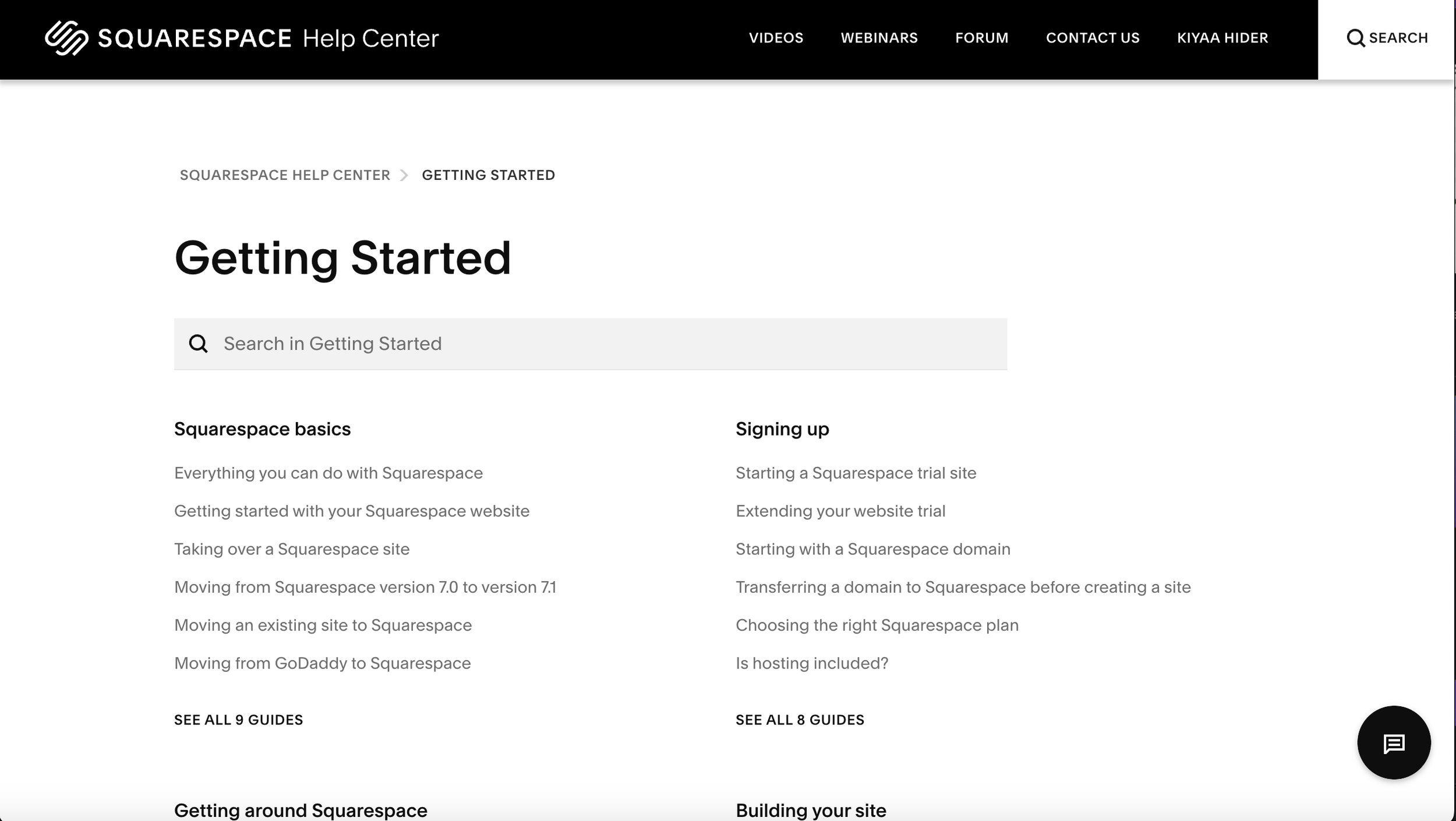
Next Click on the Paint Brush icon to edit the style of your website. This is where you will change the colors and your fonts. (for detailed instructions and tutorials use the button to your right to go to Squarespace Library of Tutorials for you.)
You can use this button to view a document I recorded with detailed information about each function of website.
Tutorials.
4. Now you are ready to edit the content on the site and modify the web pages.
5. If you use any of the Summary areas we have created in your template , you have to edit the content for those pages on the original page they were set up. These generally will be identified as Blog pages, E-Commerce pages, and/or portfolio pages